Features
Everything you need to create professional photo reports in the field.
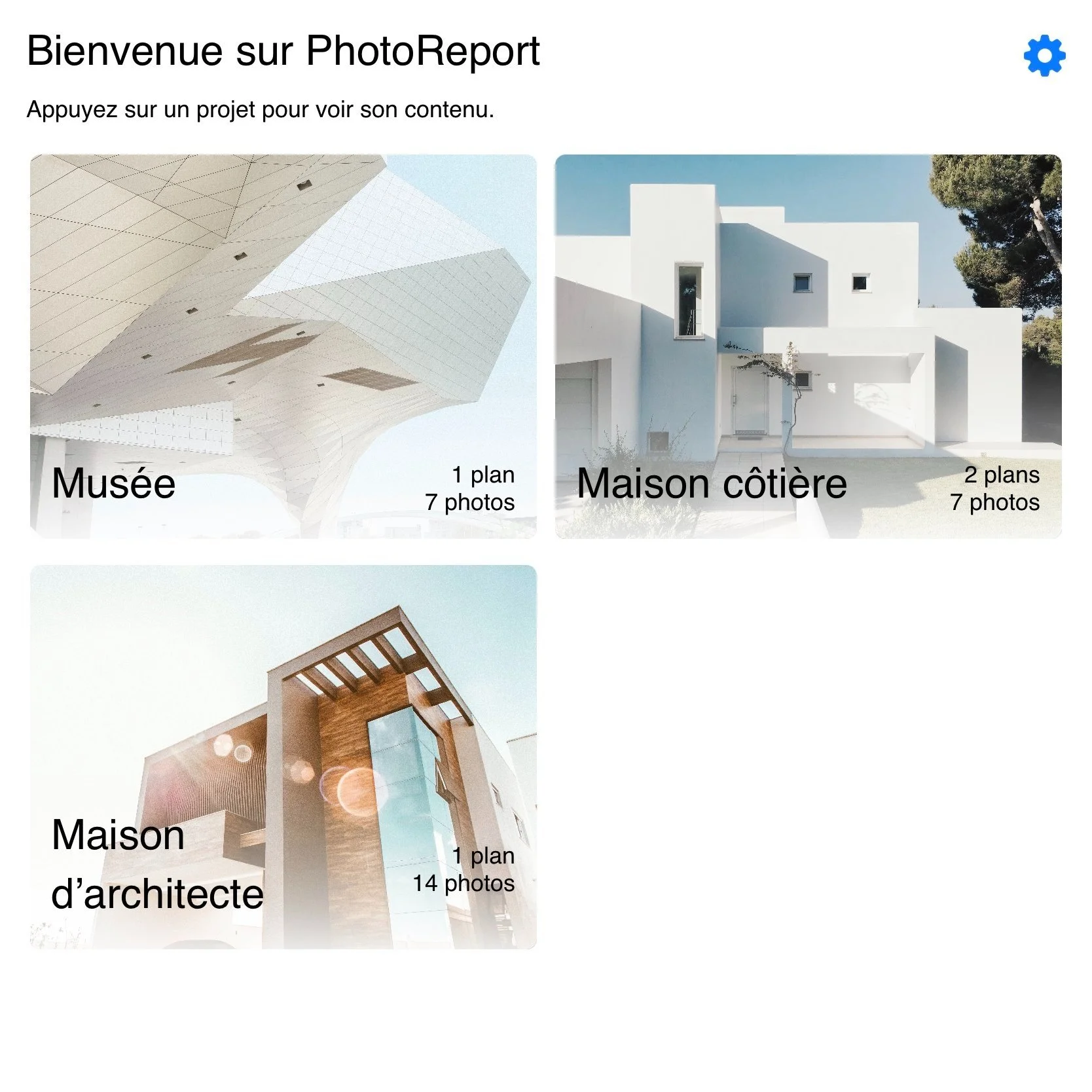
Instant access to your projects
Keep an overview of all your projects from the home screen. Quick and structured access for fluid and efficient management.
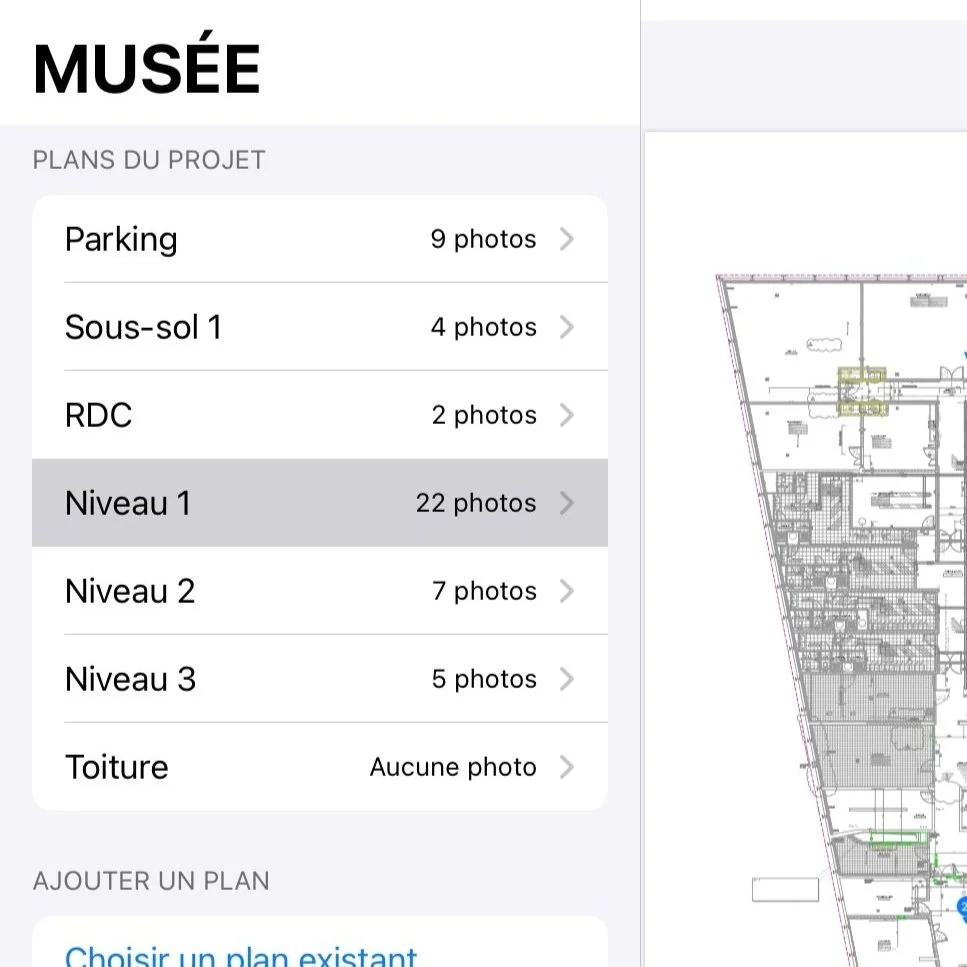
Smooth navigation between your plans
Switch from one plan to another in an instant and easily explore every detail of your project.
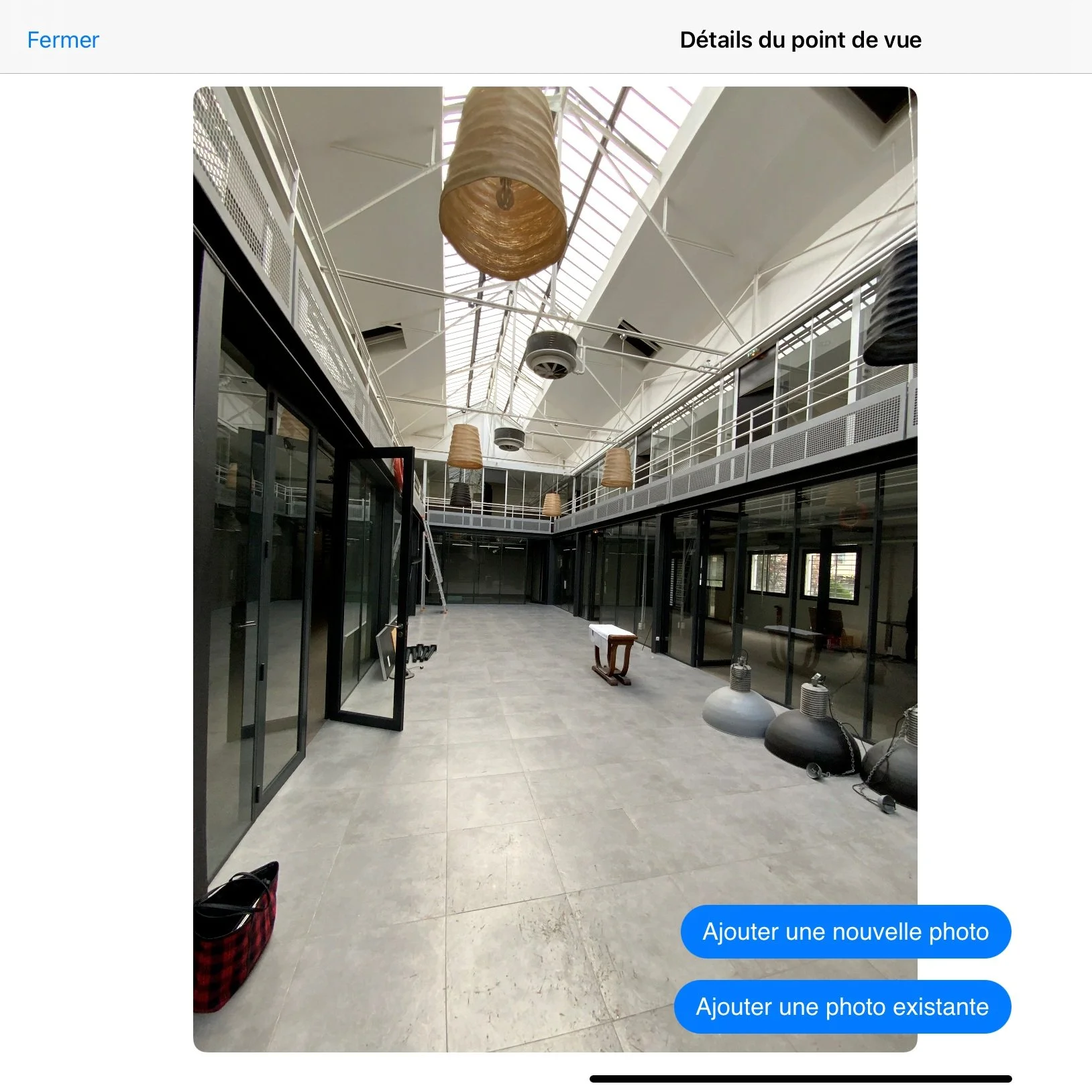
Capture every detail of your site
Move freely and multiply shots for a complete and precise documentation.
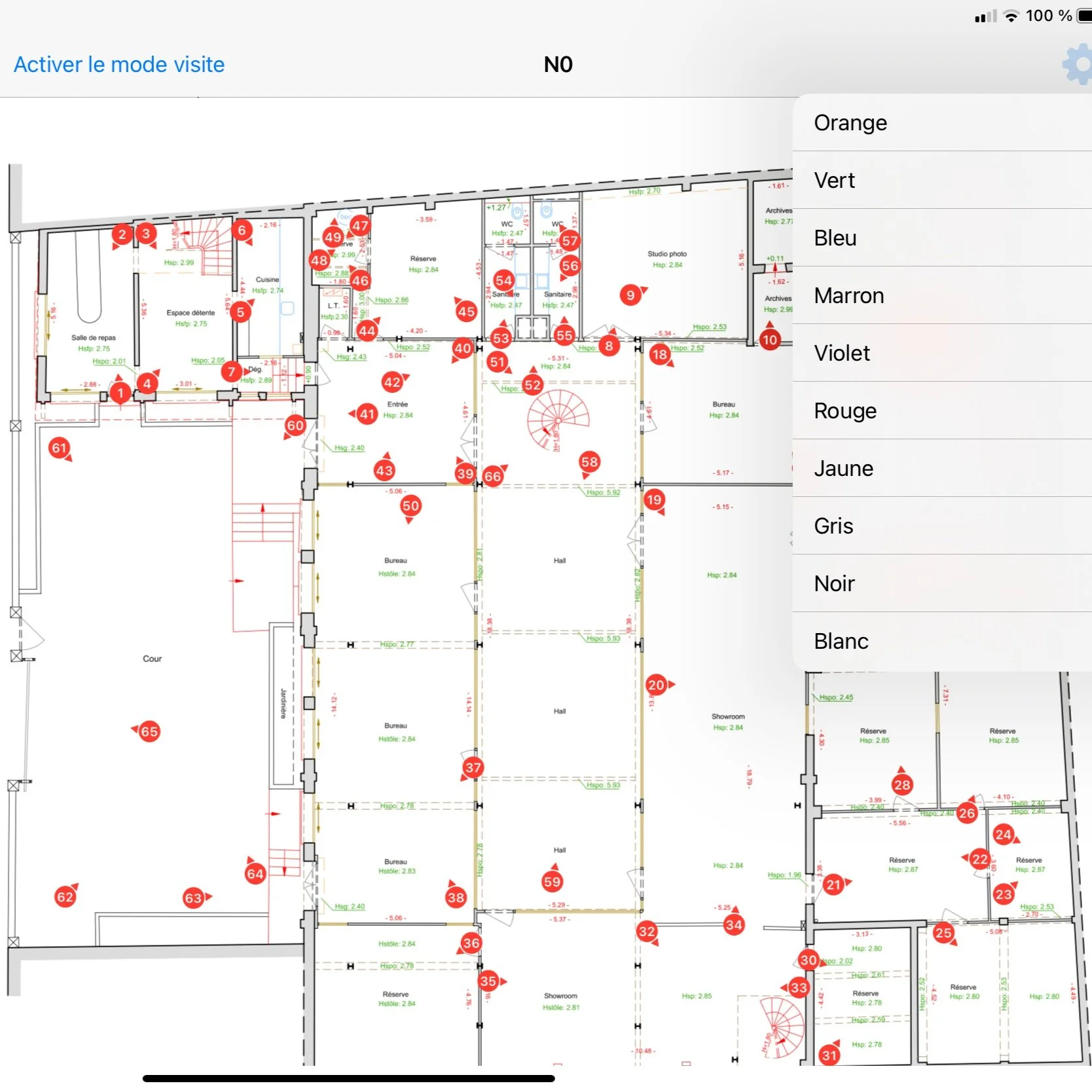
Pin customization
Adjust the color of your pins for better visibility and quick identification of annotations.
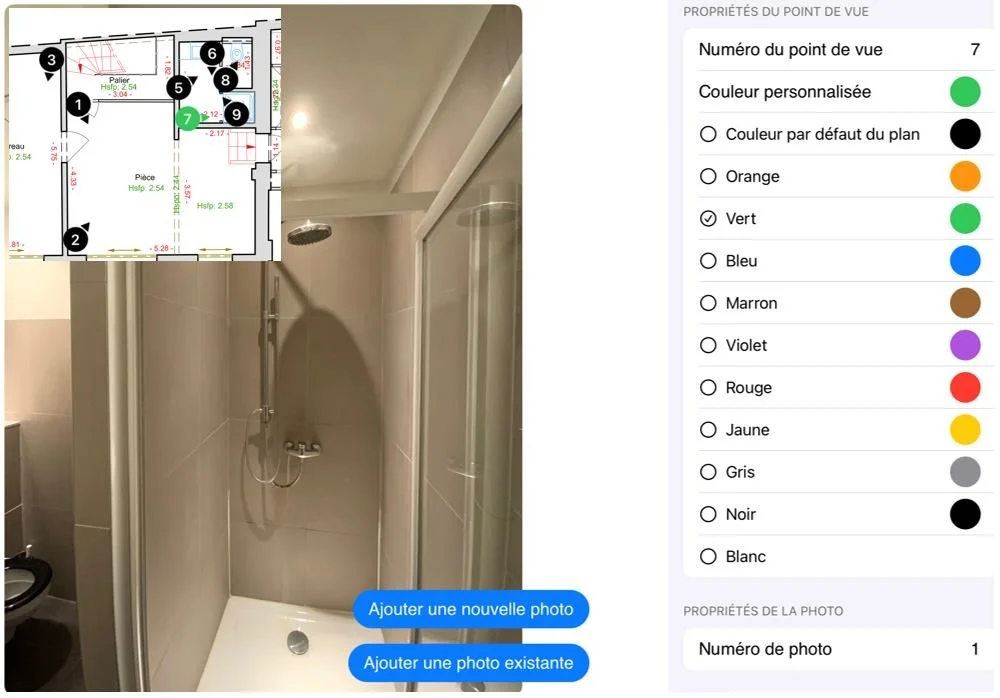
Highlight your key viewpoints
Choose a custom color for each viewpoint to easily distinguish and highlight it.
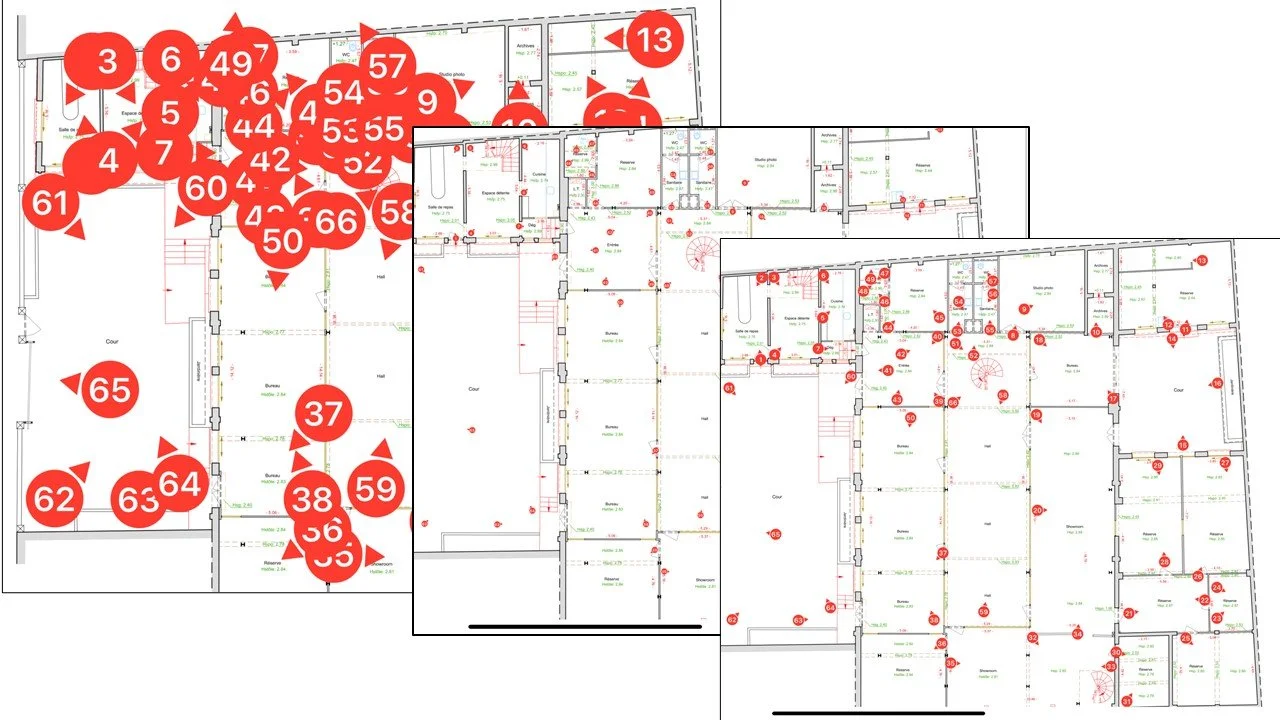
Adjust viewpoint size
Adjust the size of your viewpoints according to your needs: from very small to very large, for optimal readability on your plan.
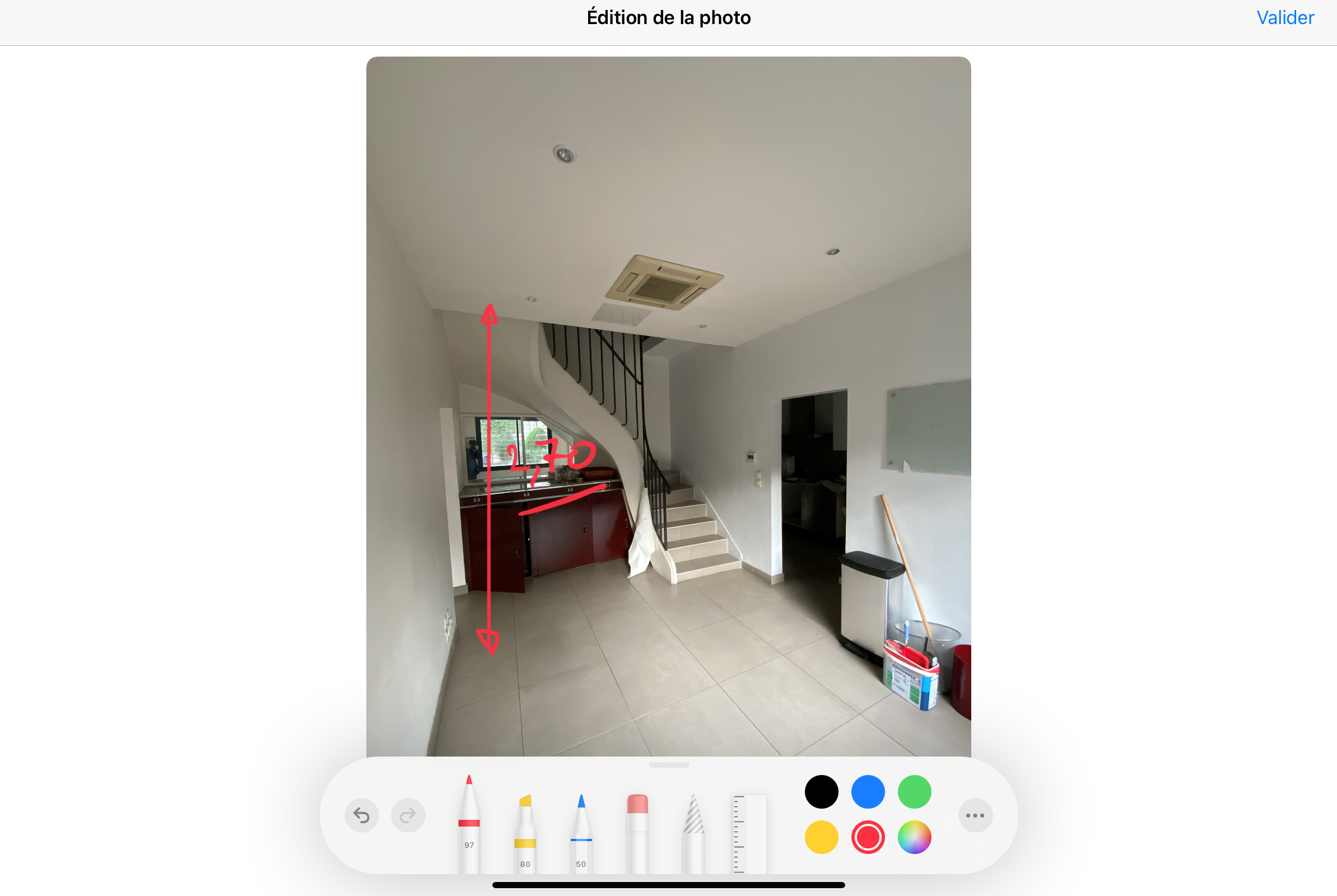
Intuitive photo annotations
Add annotations with ease, whether with a stylus or directly with your finger.
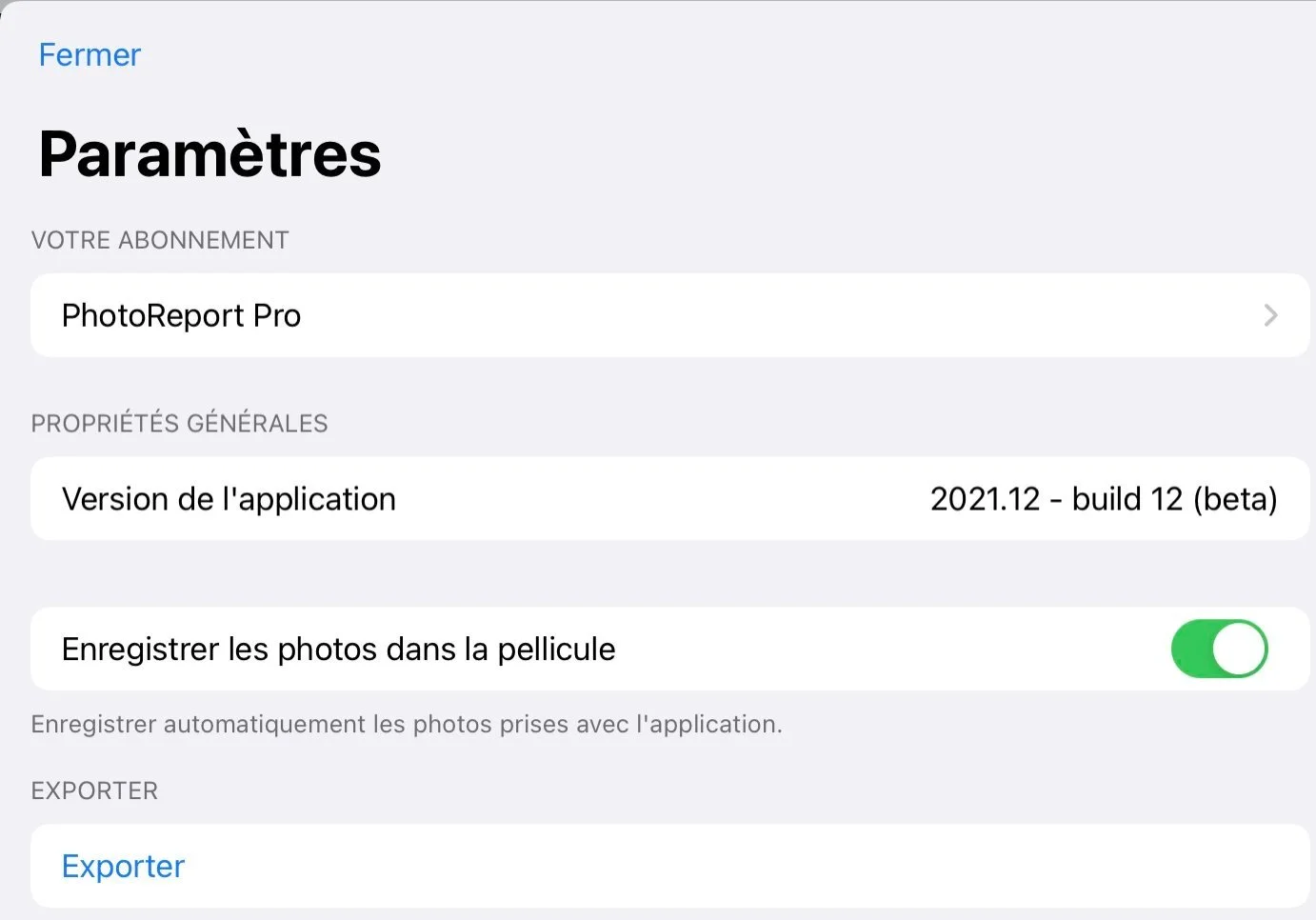
Automatic photo backup
Instantly store all photos taken with PhotoReport in your device's camera roll.
Group multiple photos per viewpoint
Add multiple photos to the same location to avoid cluttering your plan with too many pins.
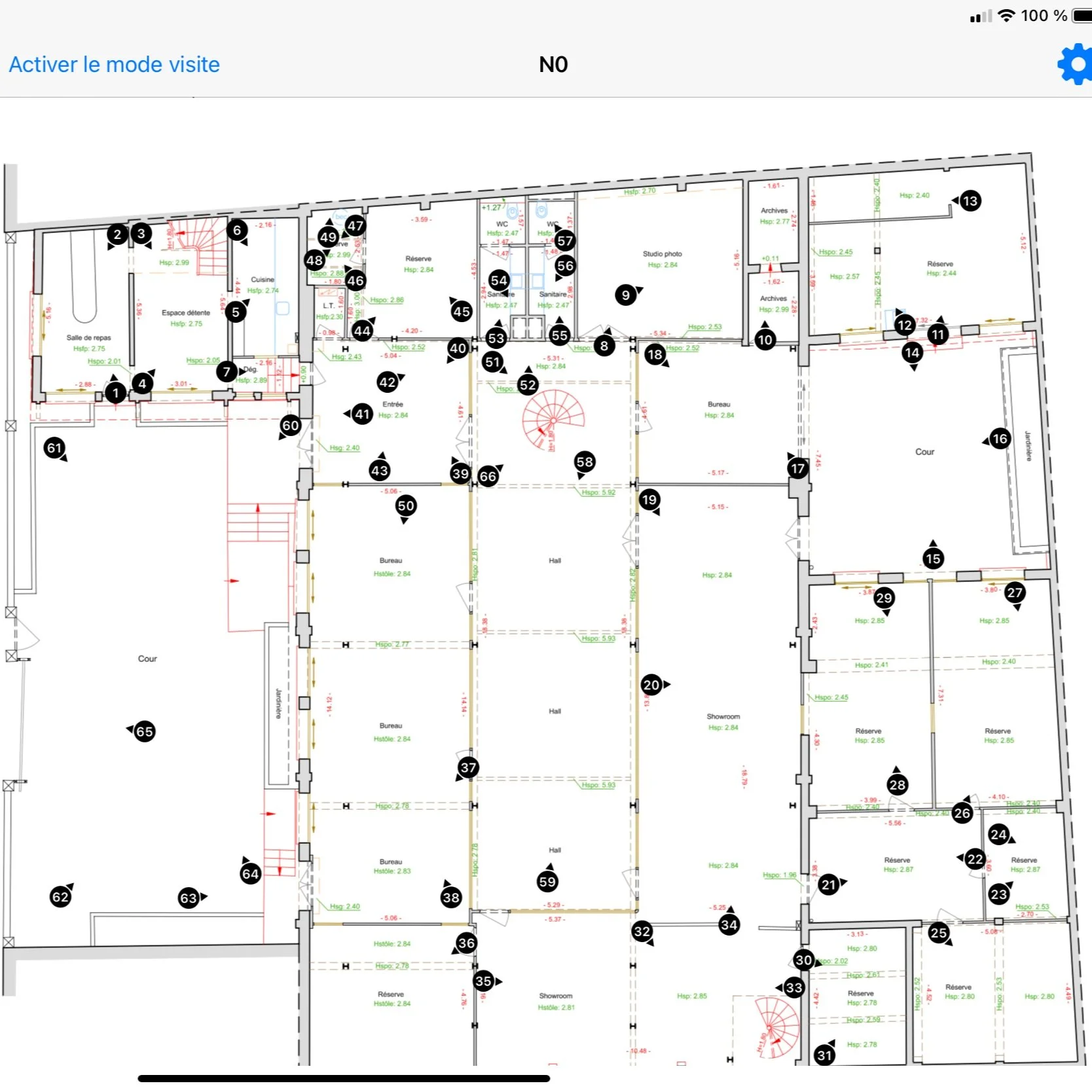
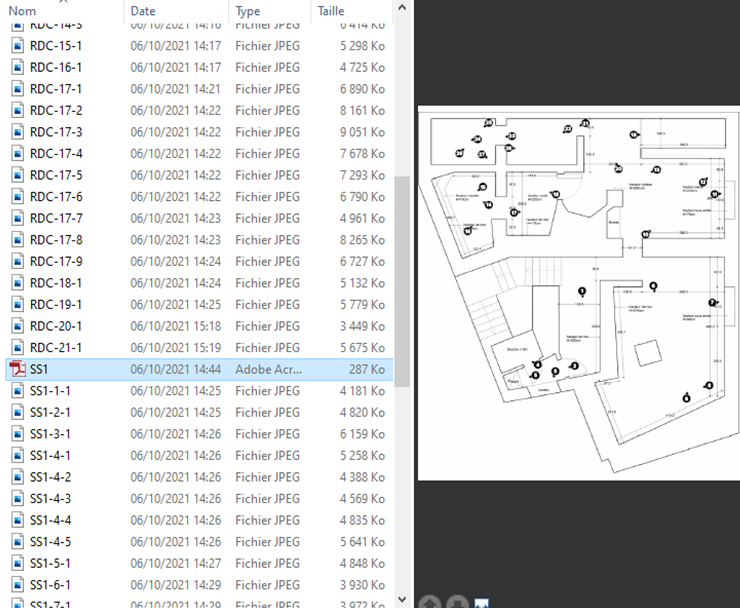
Smart photo export
Export your photos in one click: they are automatically sorted for you by PhotoReport.
Professional PDF & HTML reports
Automatically generate a print-ready PDF report and an interactive HTML report viewable in the browser.
Secure online sharing
Create a password-protected sharing link with a configurable validity period (7, 30 or 90 days). Your recipients view the report directly in their browser, without installing the app.
Cloud storage and backup
Your projects are backed up in the cloud and synced across your devices. Find your reports even if you change devices.
Apple Pencil annotations
Draw directly on your photos with Apple Pencil thanks to PencilKit integration. Precise stroke, eraser, colors — ideal for iPad surveys.
Video capture on viewpoints
Attach videos to your viewpoints in addition to photos. Document situations that require movement or sound.
Visit Mode
Activate Visit Mode to quickly capture photos during your site walkthroughs. Shoot continuously — PhotoReport automatically positions each photo on your plan.
Catch-up Mode
Import photos from your gallery and place them on your plans after the fact. Perfect for integrating shots taken outside the app or catching up on a missed capture.
Capacity built for professionals
PhotoReport scales to your most ambitious projects.
Go further with Pro and Teams
Unlock online sharing, cloud storage and real-time collaboration.
PhotoReport Pro
- Unlimited projects, plans and photos
- Online report sharing with password
- 5 GB cloud storage (~50 projects)
- Backup and sync
- Web portal for browser-based project access
PhotoReport Teams
- Everything in Pro
- Real-time collaboration
- Invite collaborators
- 20 GB cloud storage (~200 projects)